Adding tracking pixels is the easiest way to build and optimize your audience. And now adding them to your offers has gotten just as easy.
The days of switching your offer to custom mode and fiddling around with HTML or Javascript to add your tracking pixels are officially over!
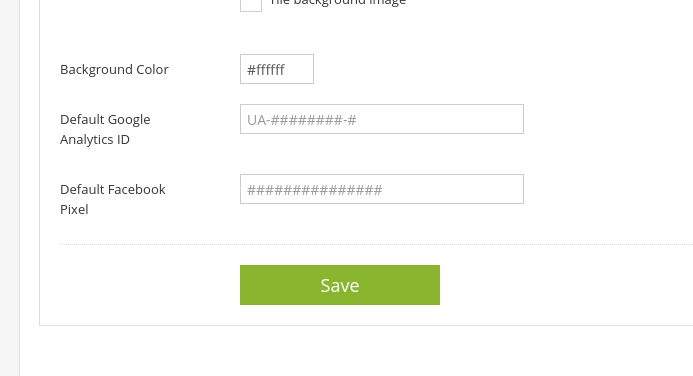
In a recent update, we have added two new fields to the Advanced Settings section; one for a Google Analytics tracking ID, and one for a Facebook Tracking Pixel ID.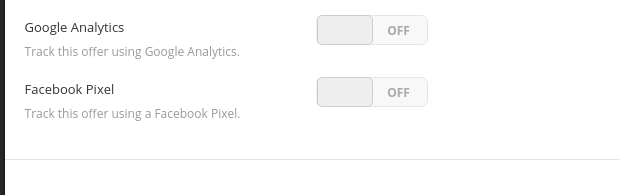
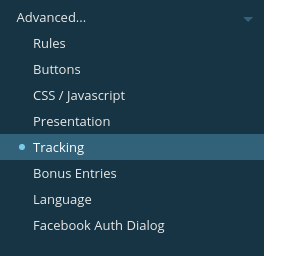 Click the toggle switch to enable the feature, and simply enter your tracking pixel code into the field. No coding or re-configuring your offer!
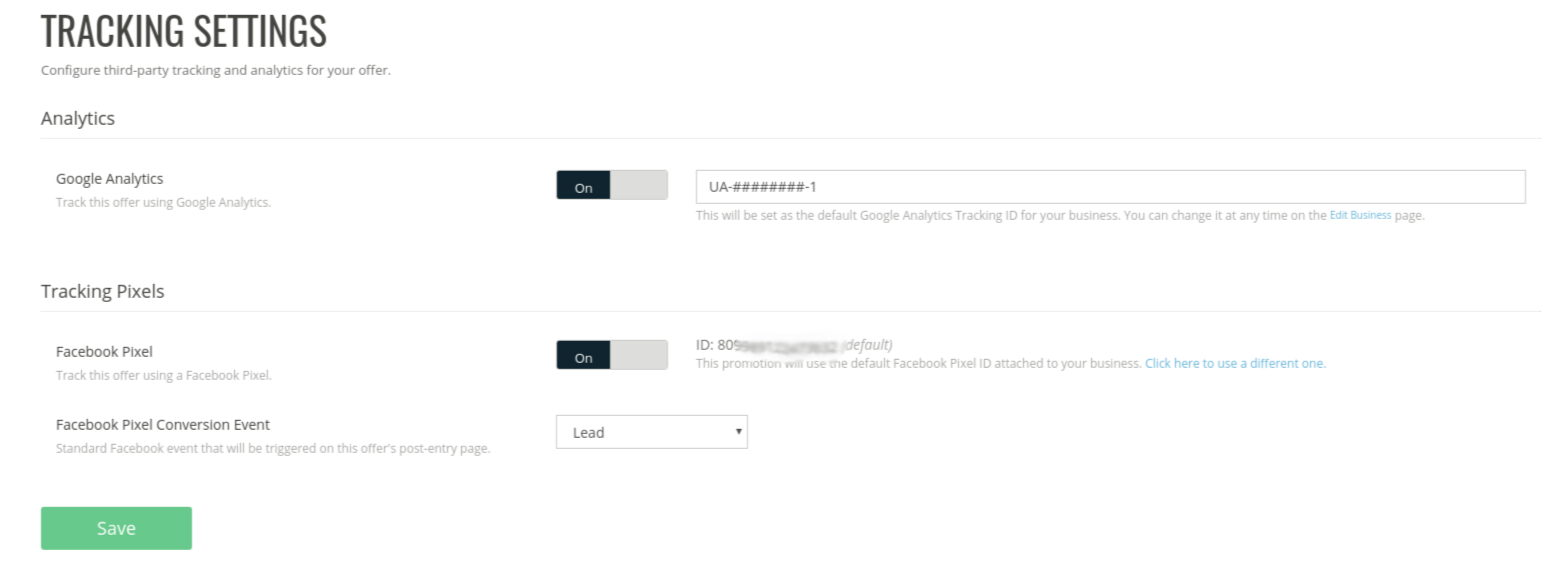 These will be set as your default codes. The default codes can be changed at any time in the Advanced Business settings screen.
Have questions? Email us at Support@woobox.com




Build a campaign in seconds
Describe a giveaway, quiz, poll, survey, or coupon and Woobox launches a hosted, mobile-ready page in seconds. Free to start, no credit card.
Try Woobox free